

1
/
9
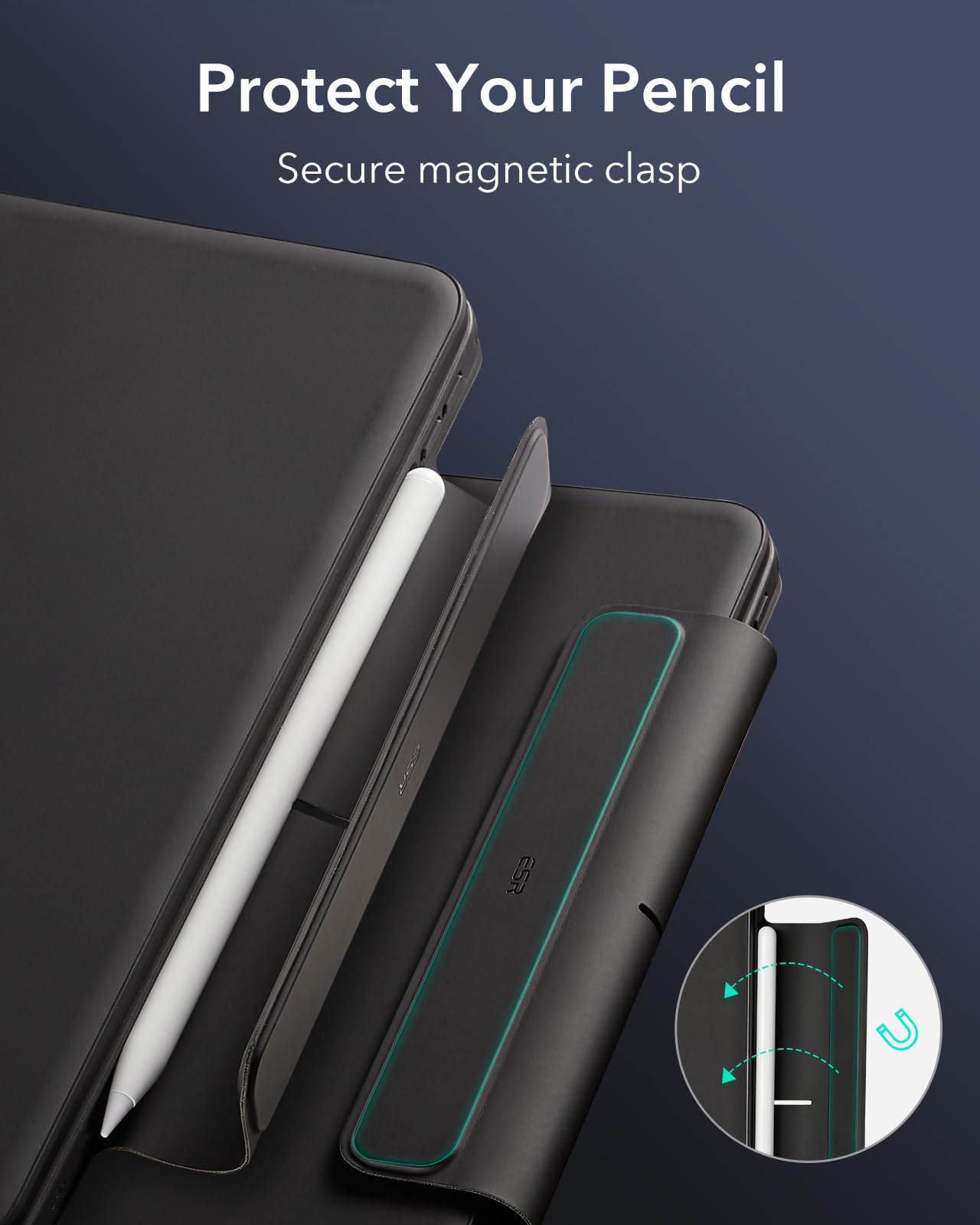
ESR iPad Pro 13 Keyboard Case with Magnetic Stand
$68.79 USD
-
Free worldwide shipping
-
Free returns
-
Carbon neutral
-
Secure payments
Description for this item:
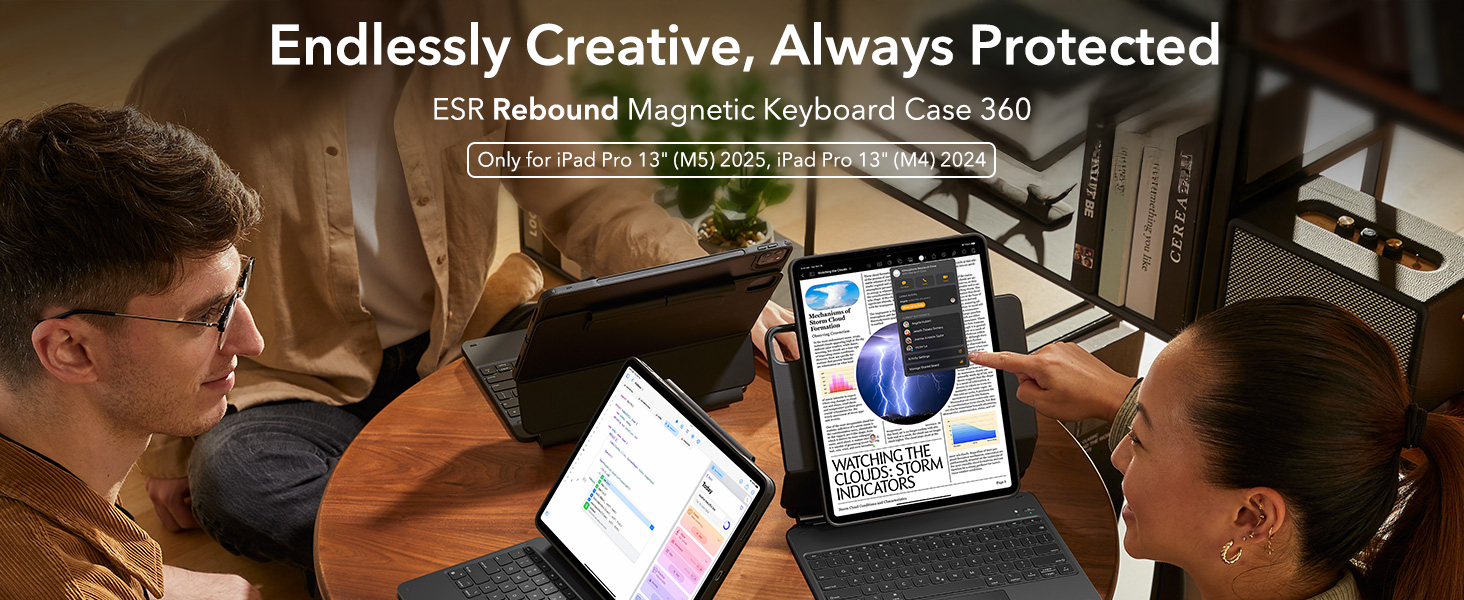
Tips: Bluetooth Hareware Keyboard Input Method Setup1.Go to Settings - General - Keyboard - Keyboards - Select English (US).2.Navigate to Hardware Keyboard - English (US) - Choose Automatic (US) or US.3.Tap the Fn key on hareware keyboard to select EN Input Method.


About this item:
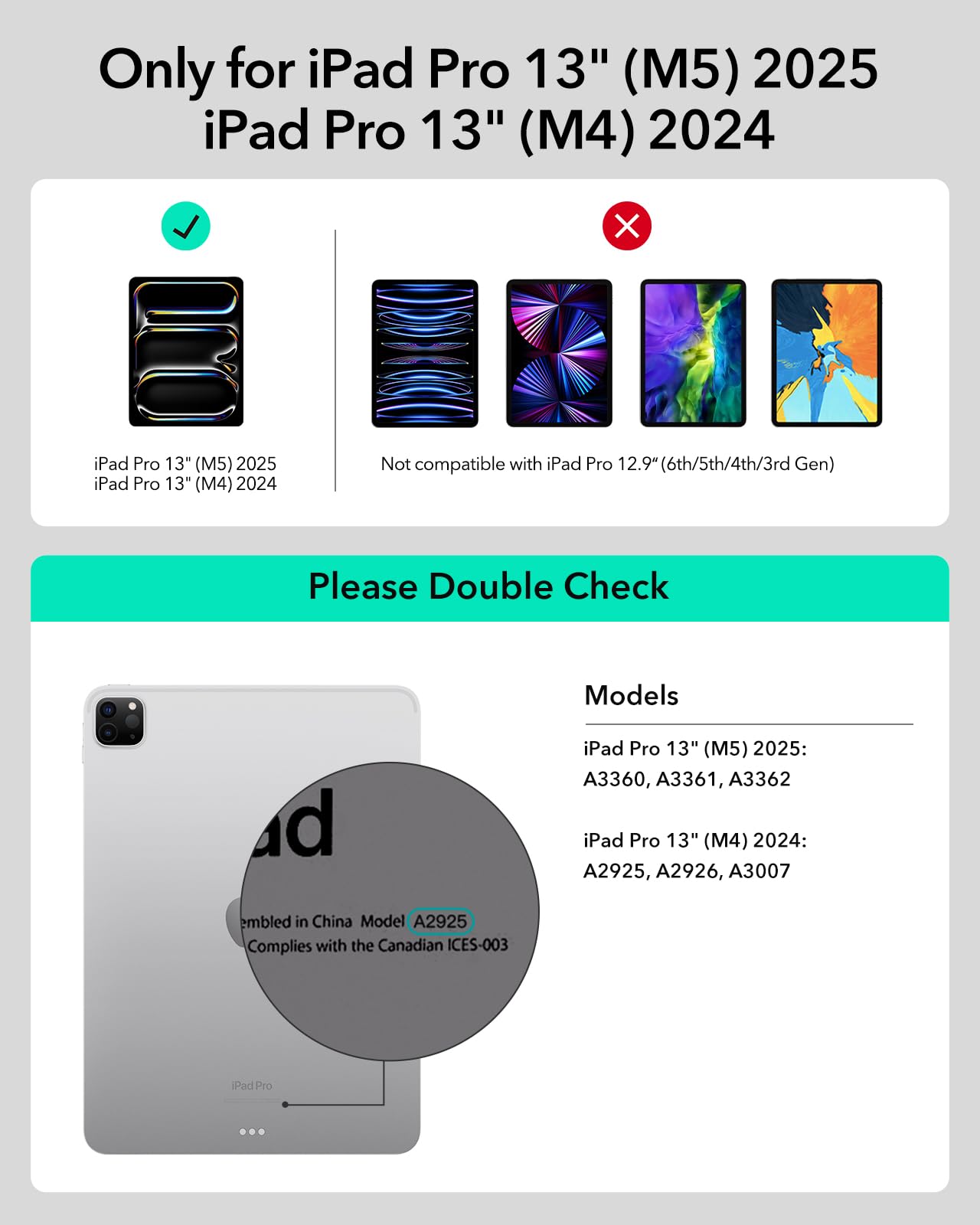
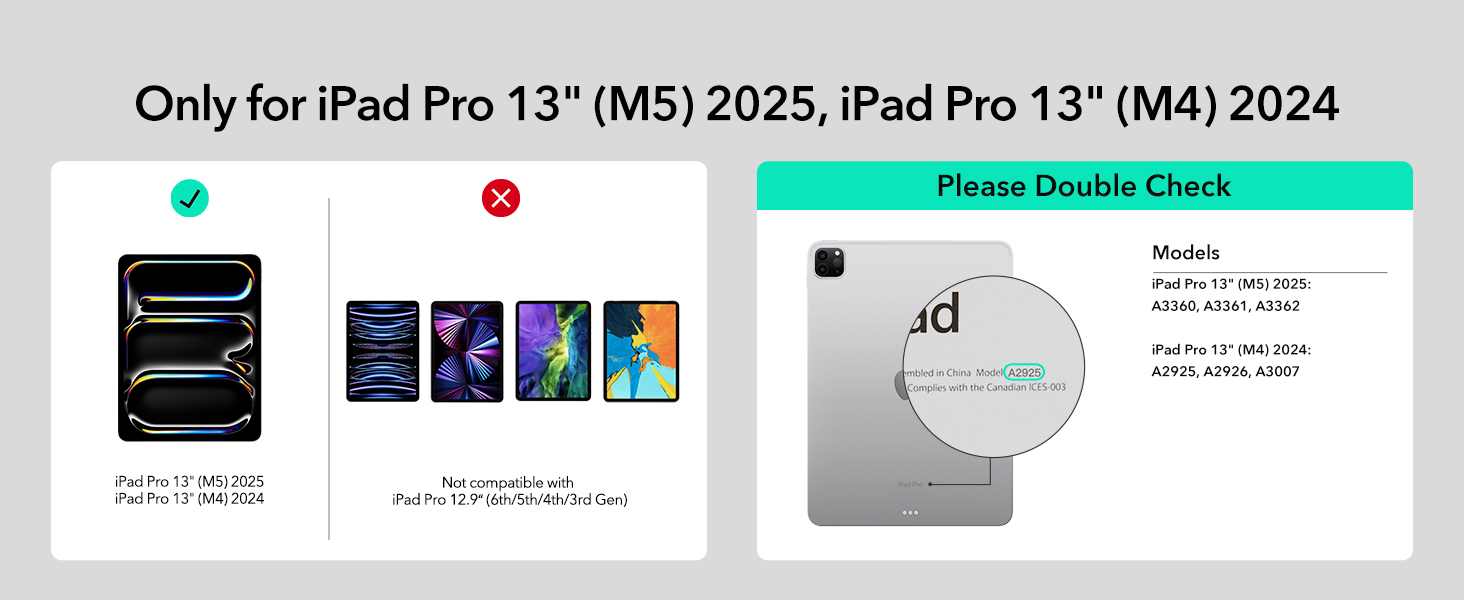
- Compatibility: only for iPad Pro 13" (M5/M4, 2025/2024); Model: A2925, A2926, A3007,A3360,A3361,A3362
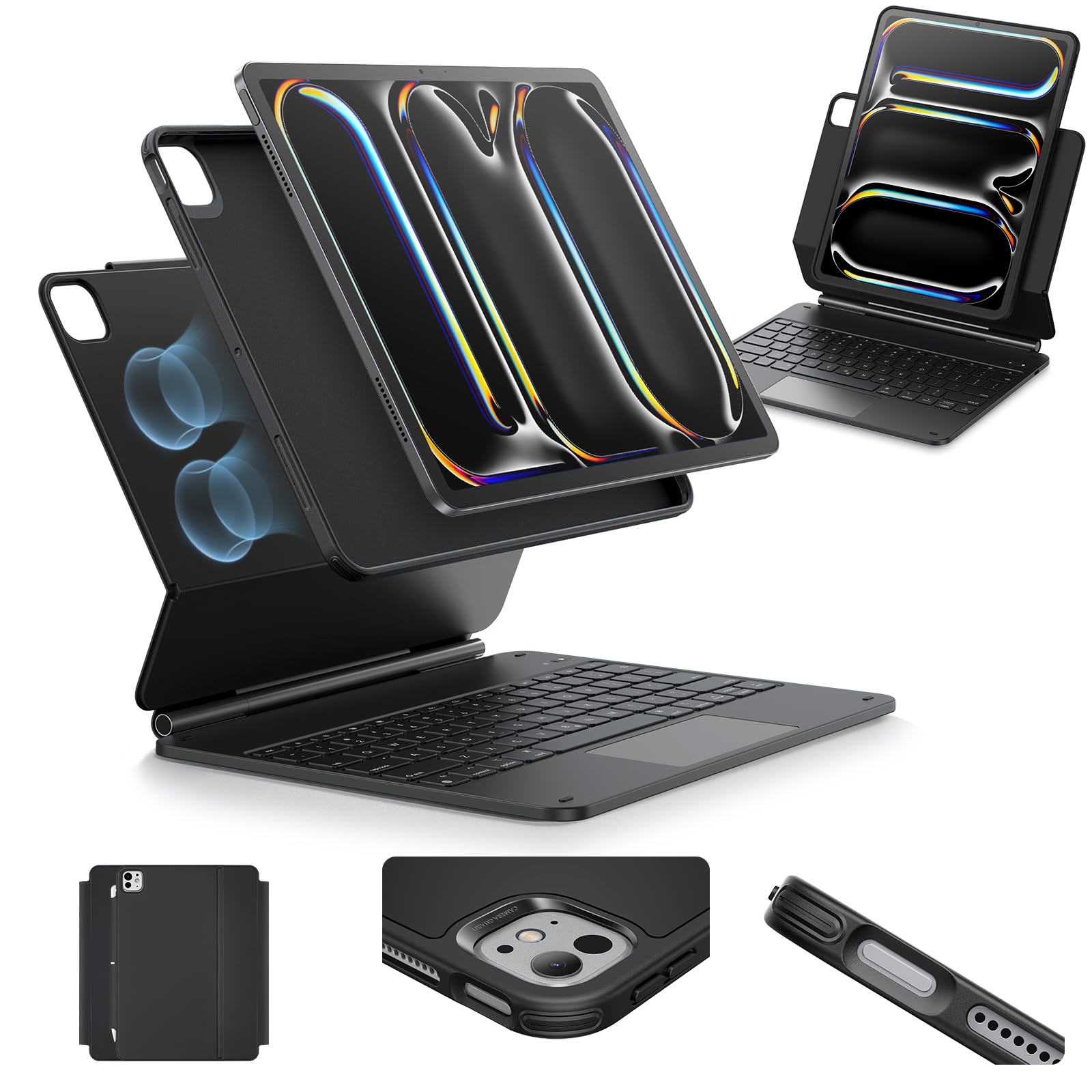
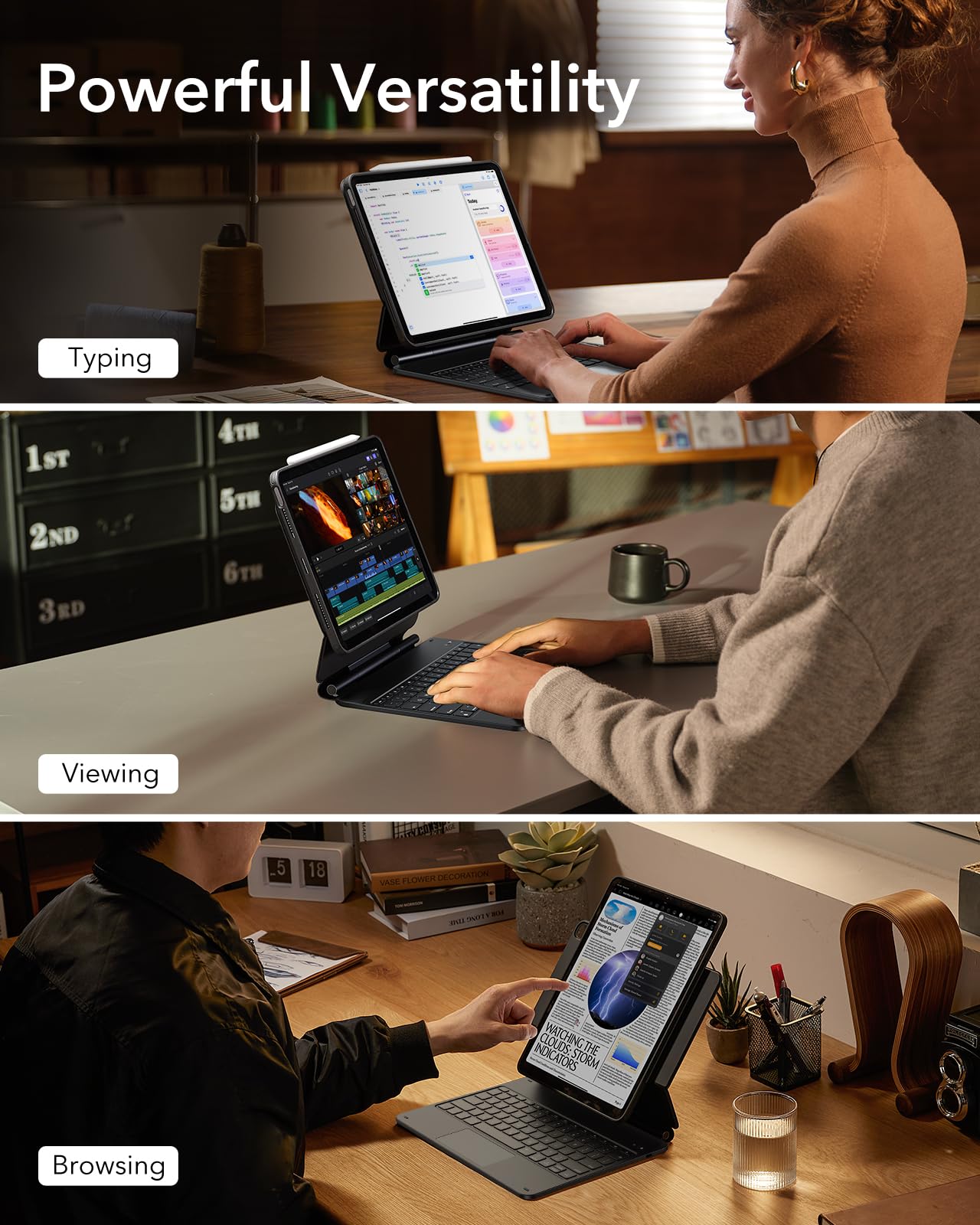
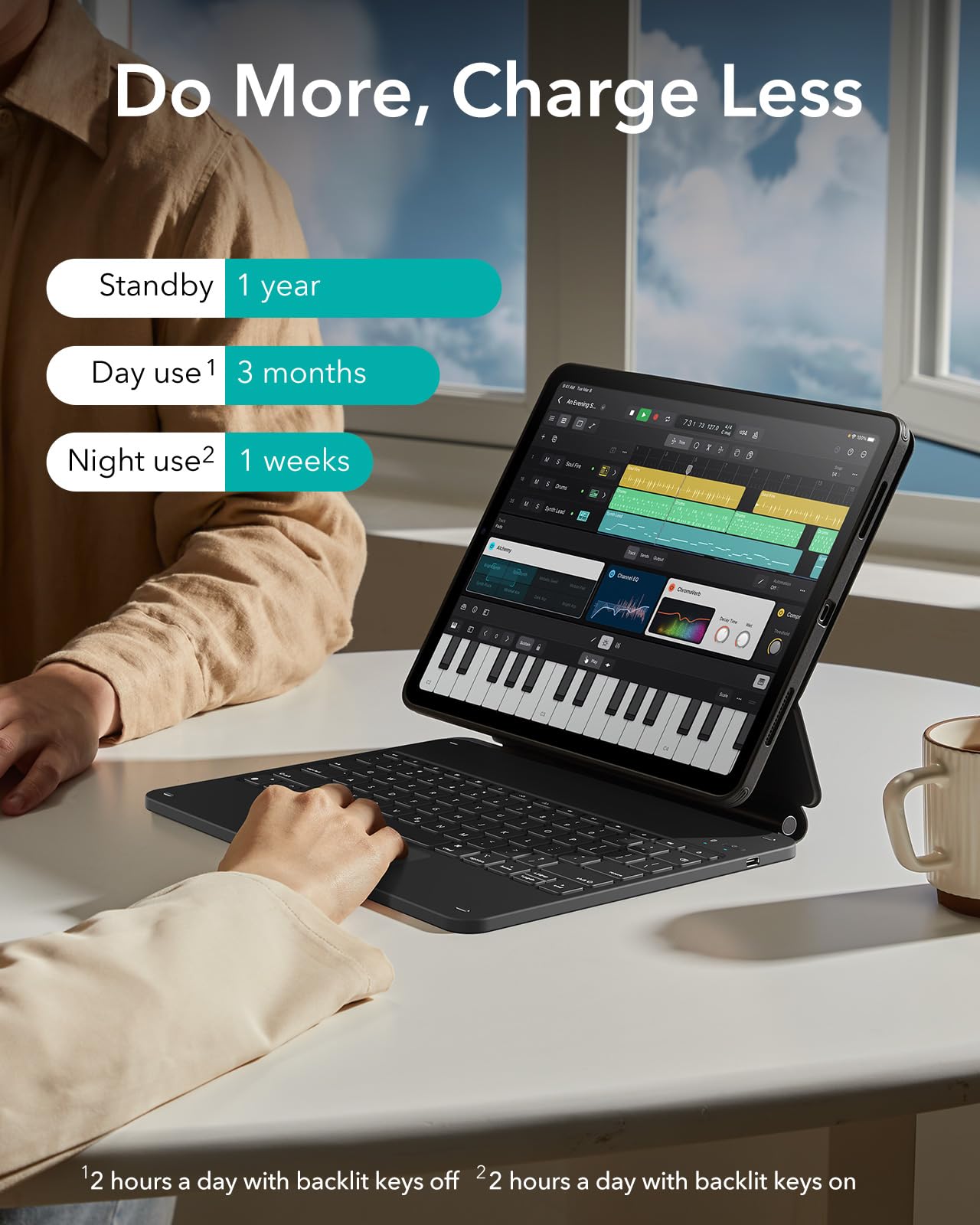
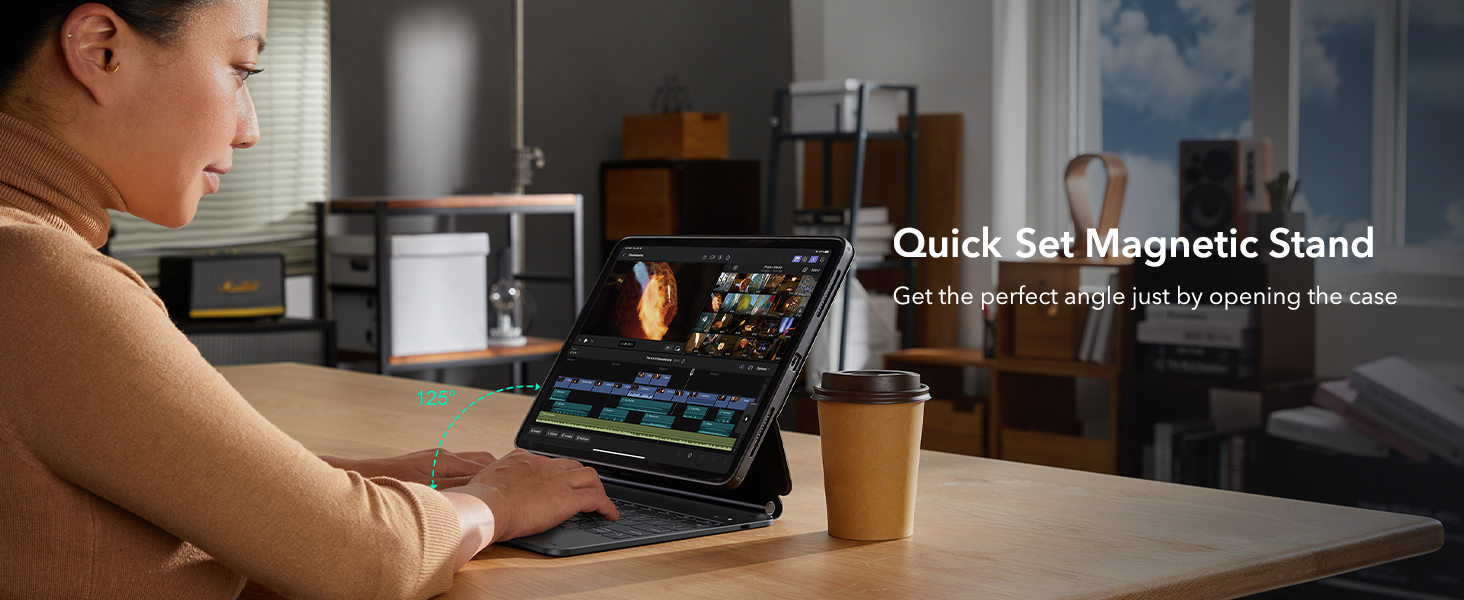
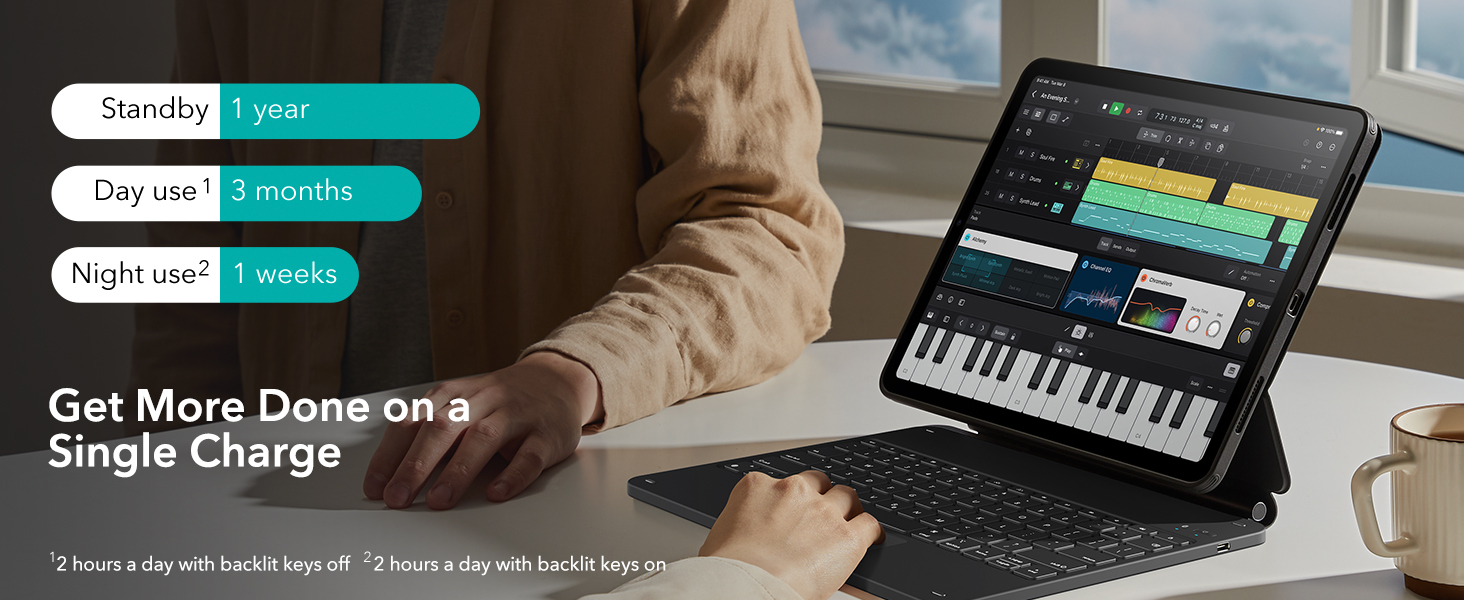
- Work from Anywhere: upgrade your iPad to getting-stuff-done mode by transforming it into a portable productivity machine and be ready to work wherever
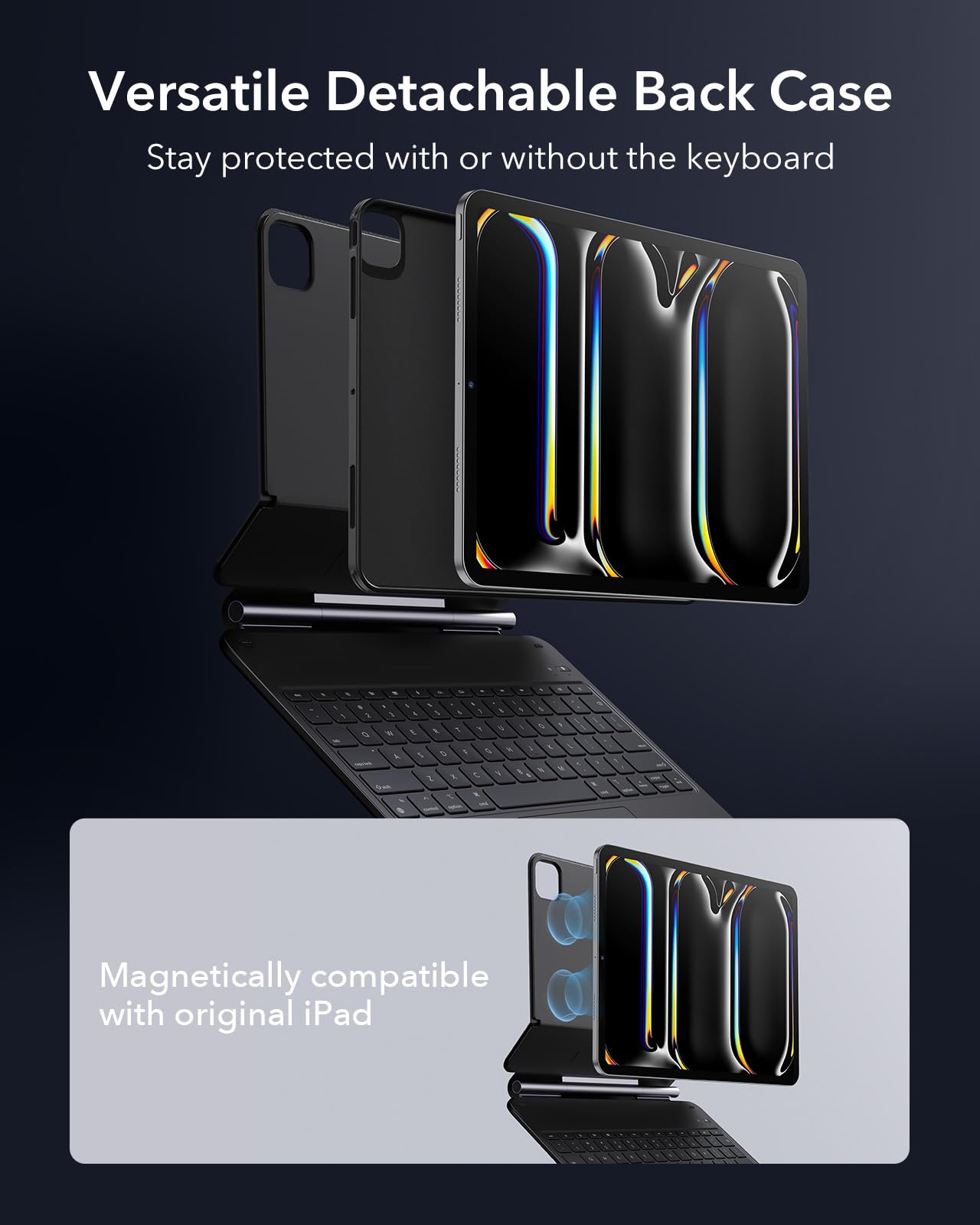
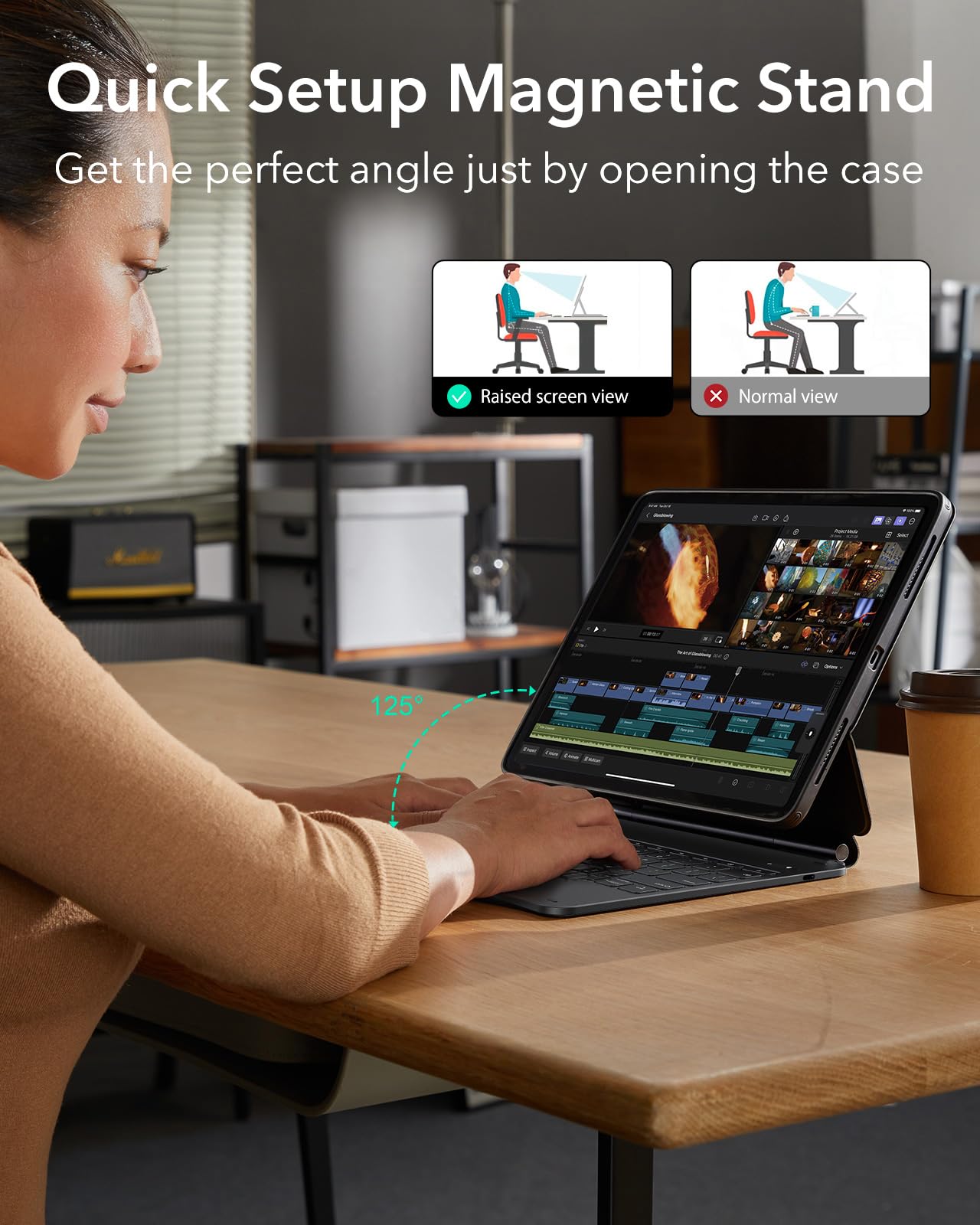
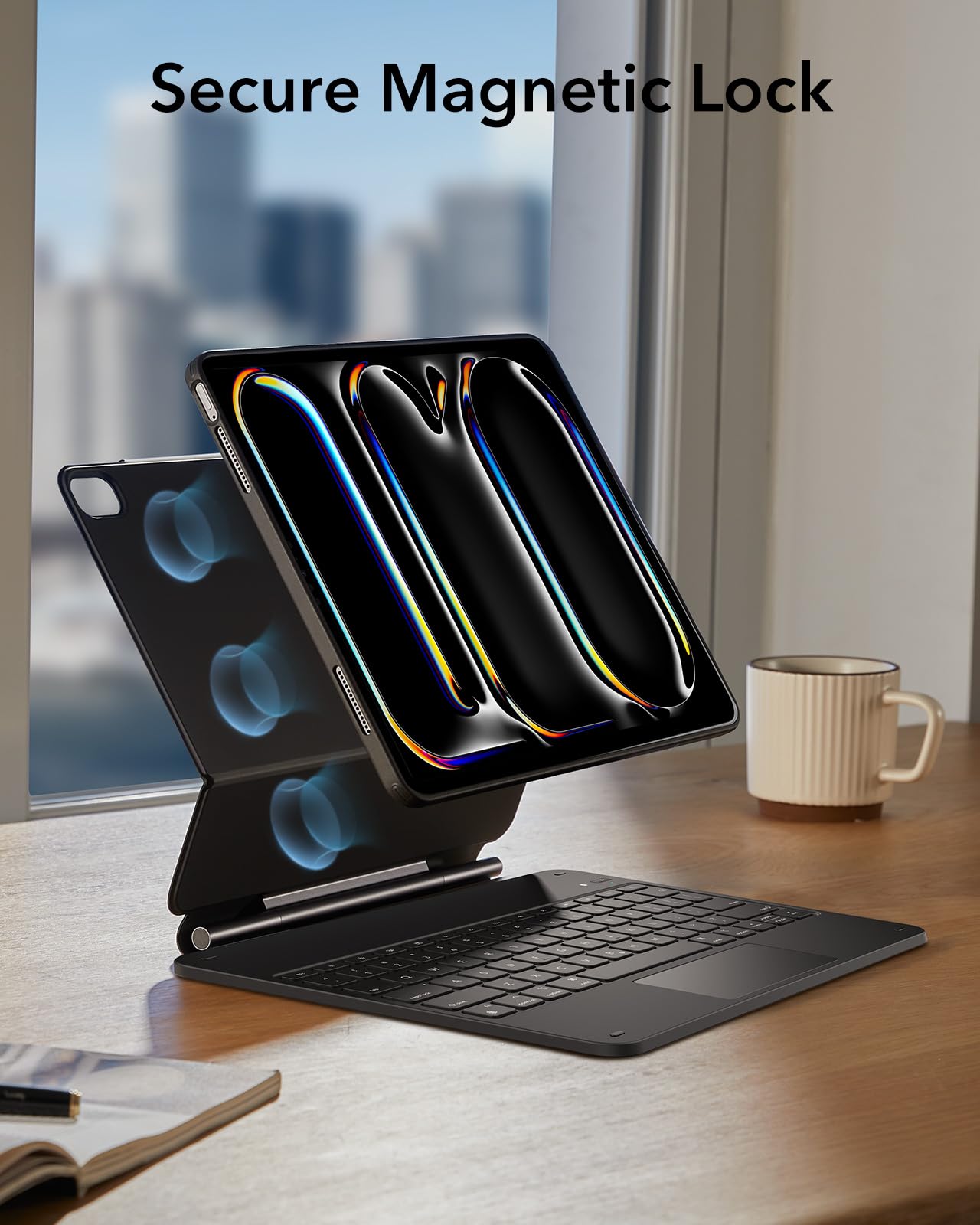
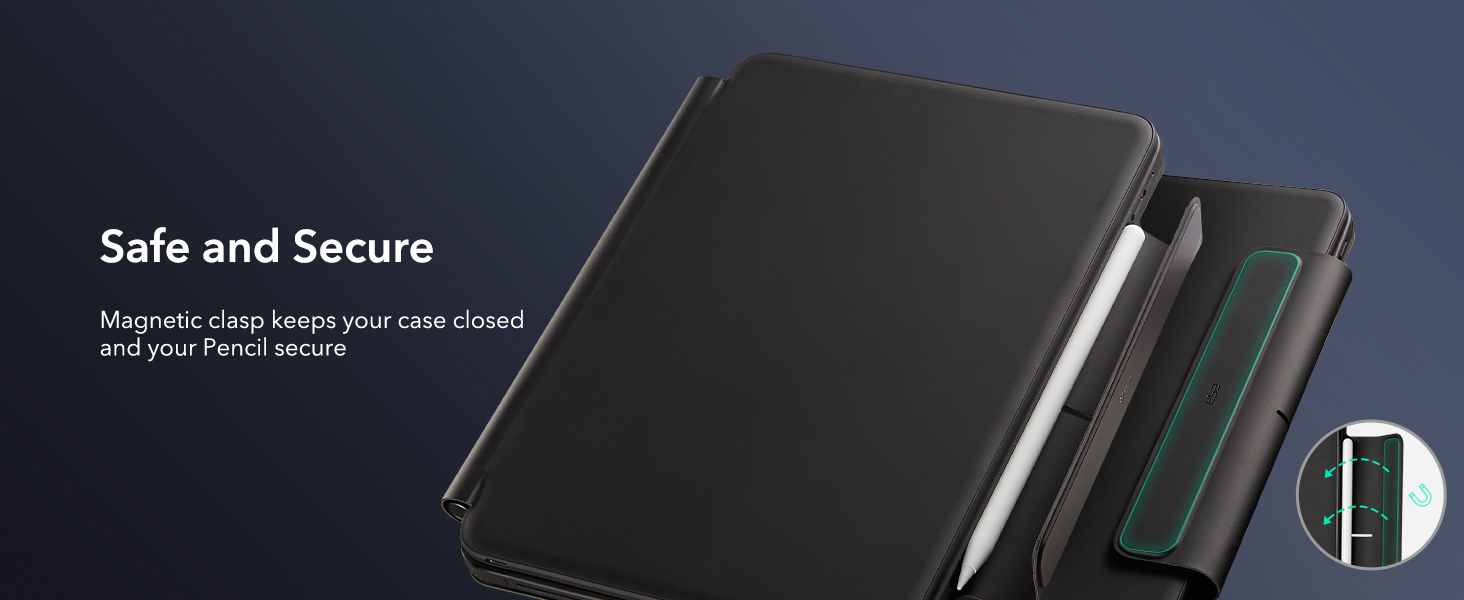
- Quick-Set Magnetic Stand: ultra-strong magnets seamlessly combine case and tablet to let you easily open the floating cantilever stand to the angle for typing or browsing
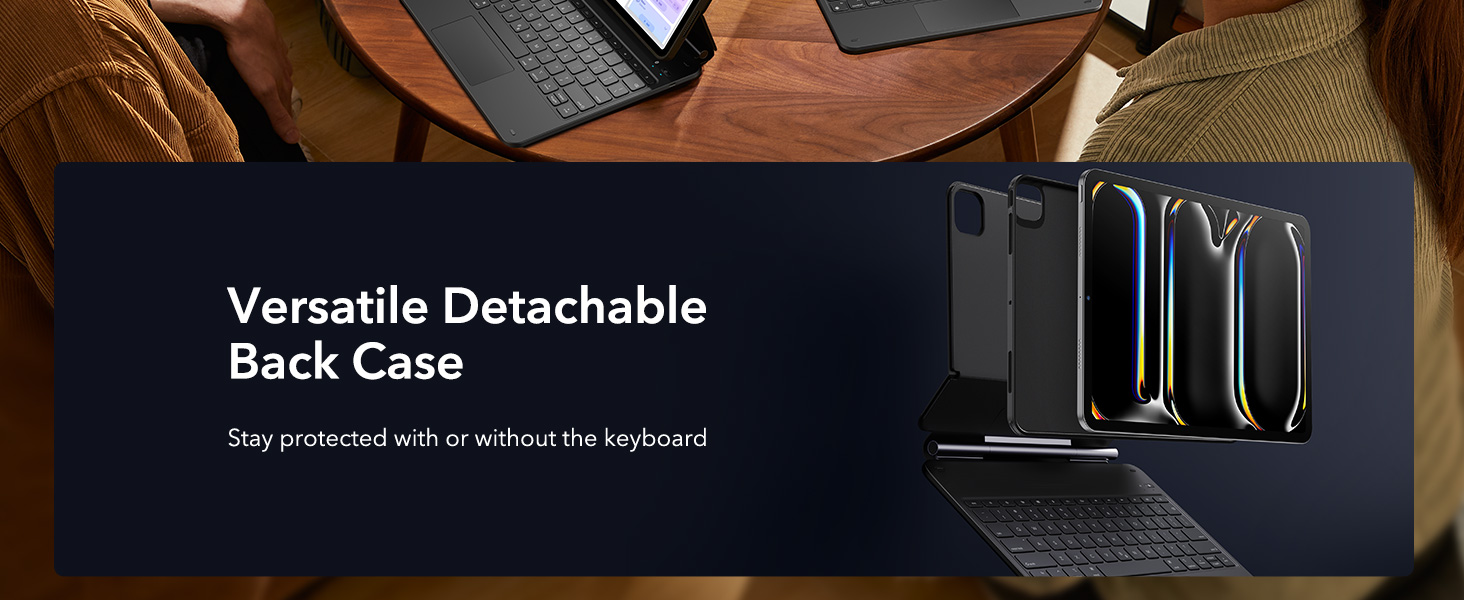
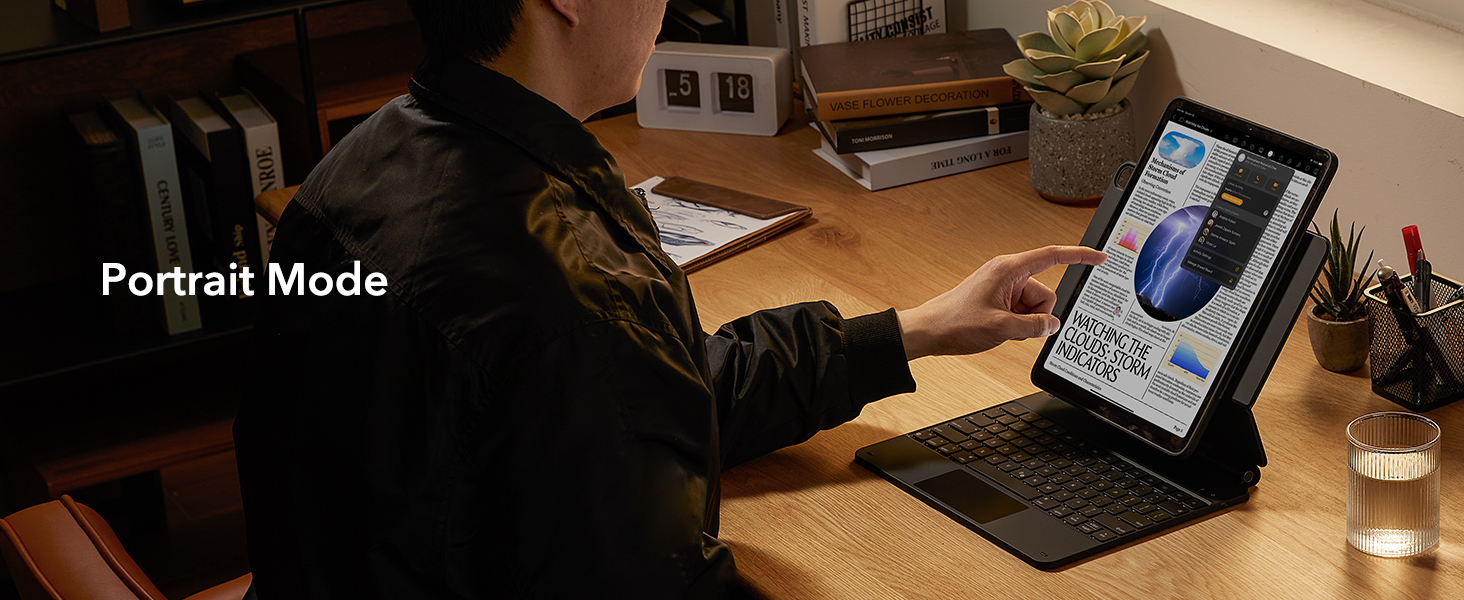
- Multiple View Modes: back case detaches for instant hands-on access with full-body protection and can be set up in raised screen view, for better posture during use, and portrait mode, for the way to FaceTime
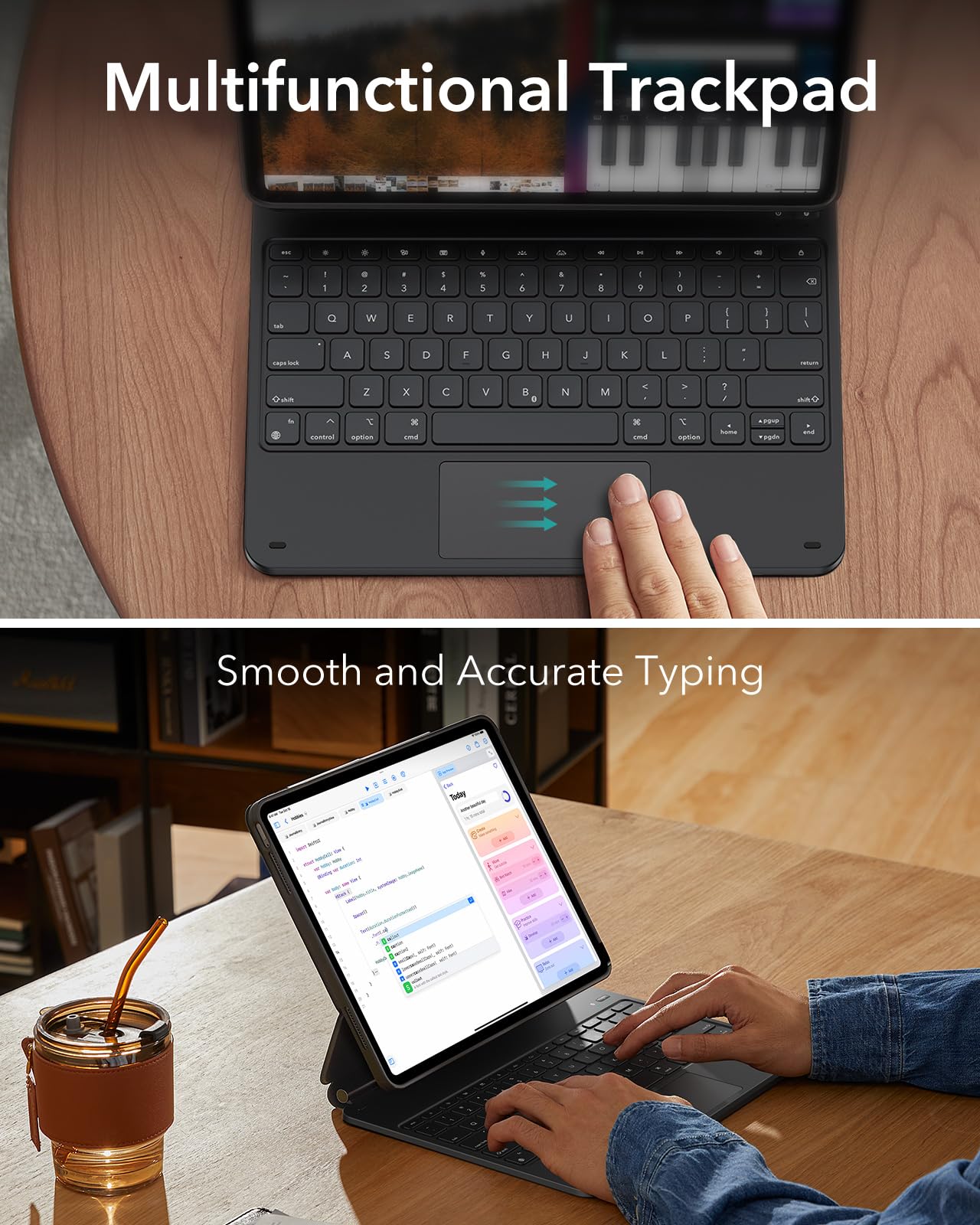
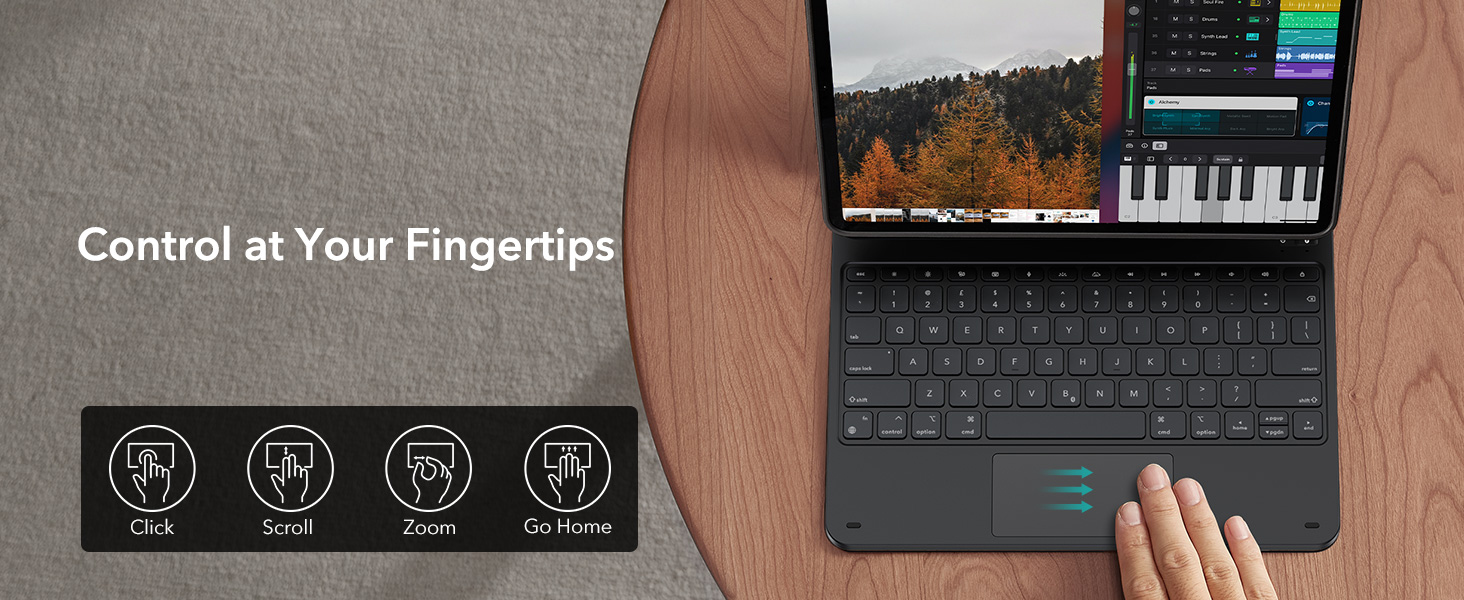
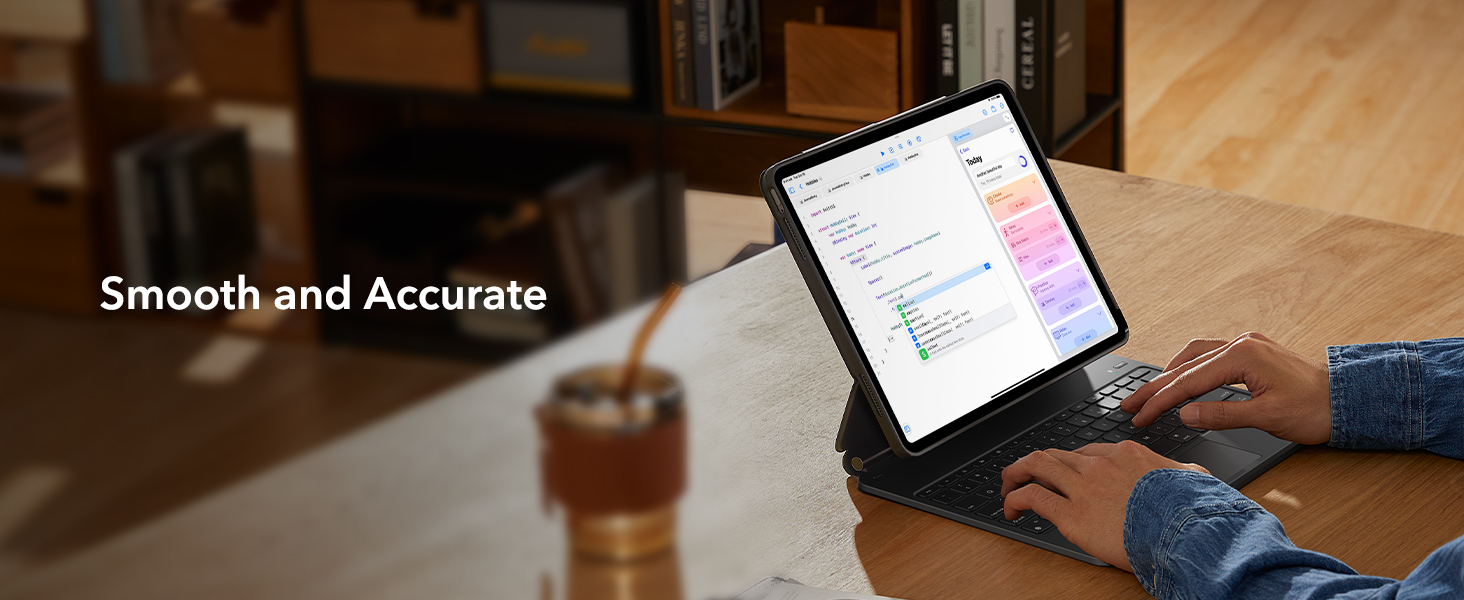
- Quick and Easy Navigation: use every millimeter of the extended, ultra-sensitive multi-touch trackpad to tap, pinch, and swipe with precision and navigate your iPad in a whole new way