





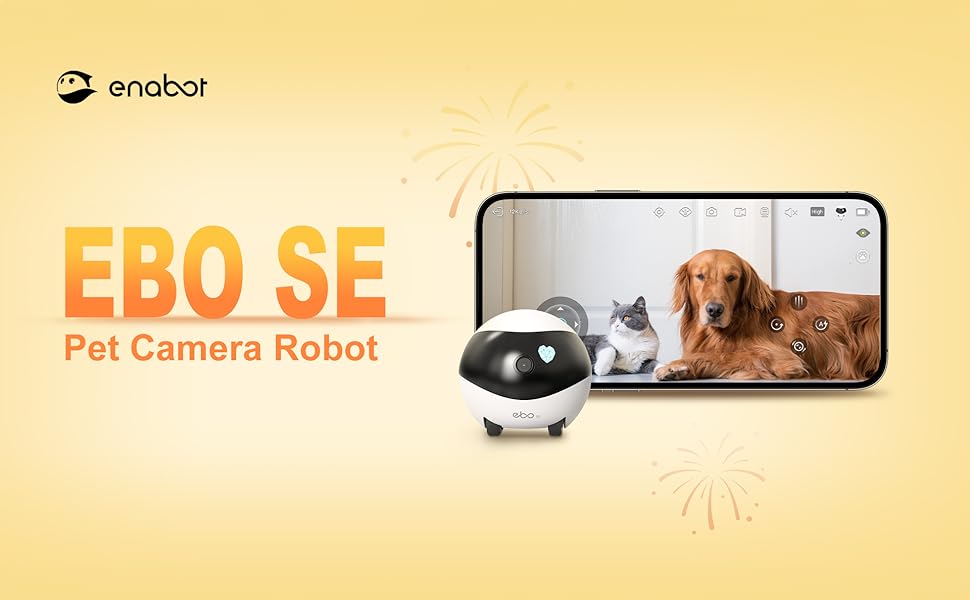
ENABOT EBO SE FamilyBot Home Camera Robot - 1080P Pet Camera
-
Free worldwide shipping
-
Free returns
-
Carbon neutral
-
Secure payments
Description for this item:
Step 2
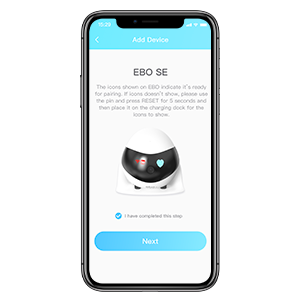
Add and connect EBO SE on the ROLA APP, and then enjoy a wonderful life with your EBO SE.
Step 1
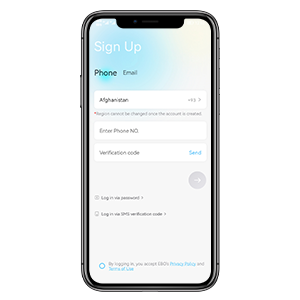
Use your phone number or email address to complete the registration on the ROLA APP. (Note: if you cannot receive the verification code, please try to register with another phone number or email address.)
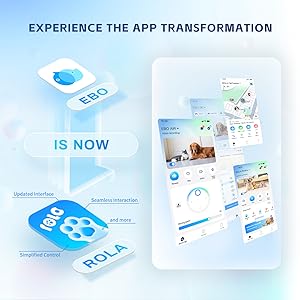
Step 3
Scan the Code on the manual to download the ROLA APP, or search for the ROLA APP on the APP Store and install it.
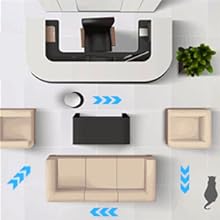
Always Stay Connected
Control EBO from anywhere!鈥嬧€?/p>
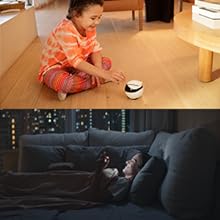
Night Vision
Even with lights off, you can keep an eye on your pets and home in the dark with EBO.
Full-House Coverage
Remotely control EBO to explore every corner of your house from anywhere.
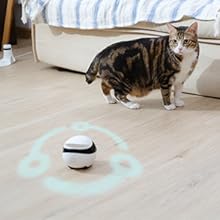
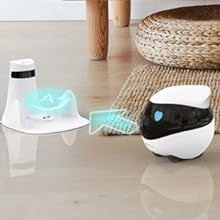
Auto-Recharge
A true wireless home security pet camera robot!
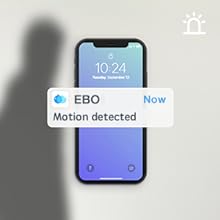
Privacy Safe
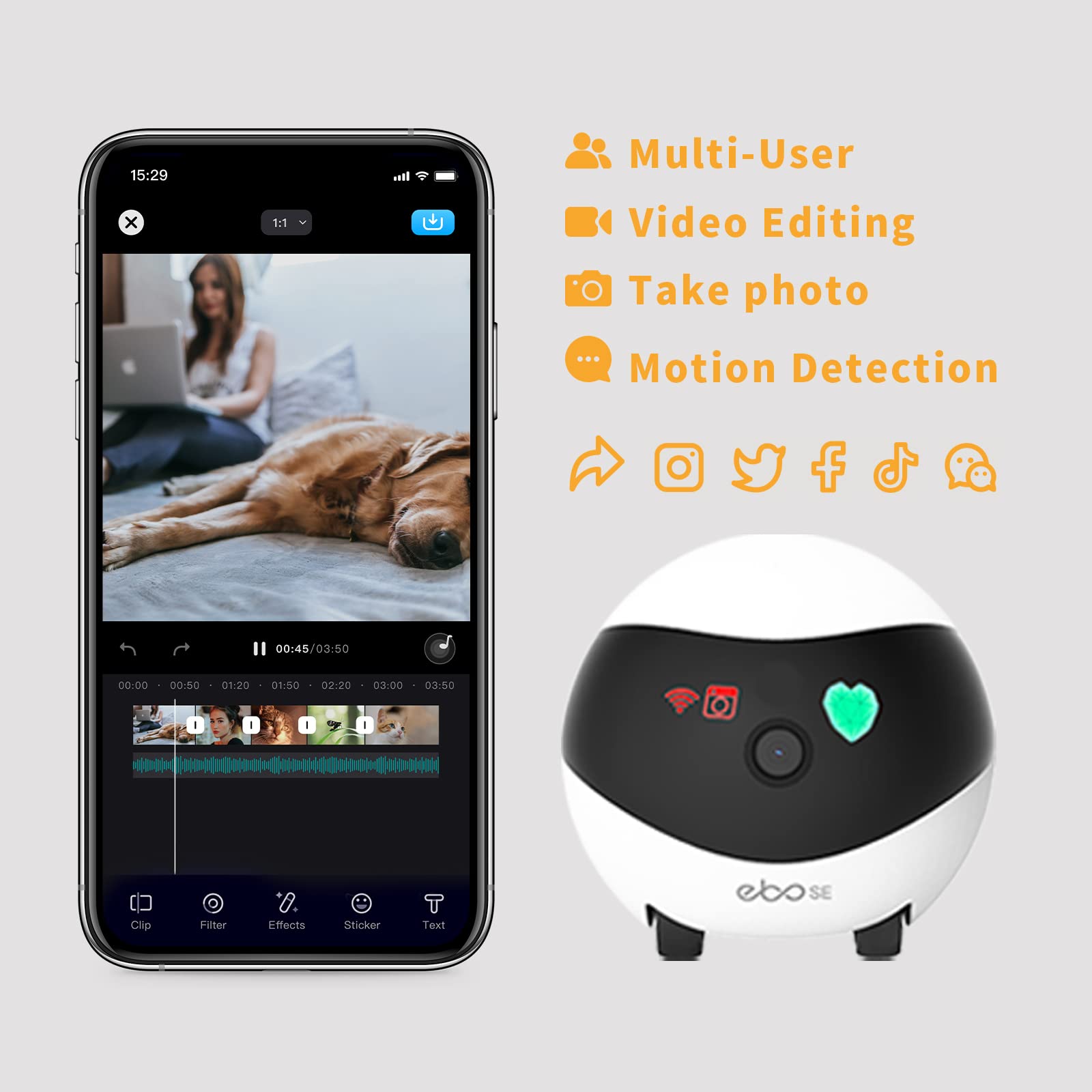
The EBO supports motion detection and it will notify you via ROLA APP.
Motion Detected
Built-in 16GB SD card, which can store videos and pictures, and supports fetching the card and re-saving data in the card to other devices.Larger memory SD card, need to be purchased separately.The maximum memory supported is 256GB.
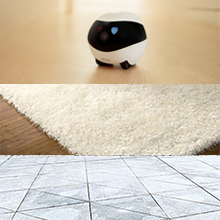
EBO SE Mobility Guide
The EBO SE can overcome obstacles up to 6mm in height.鈥嬧€?/p>
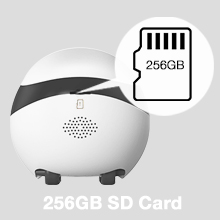
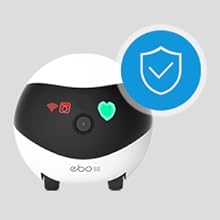
SD Card Storage
ROLA APP DO NOT have any access to reach user's information and all the data will be stored on extensible SD card on the camera.
About this item:
- Remote Control, Mobile View: Drive EBO SE mobile robot camera to find your pets or check on family. Navigate through different rooms from anywhere and stay connected to every corner of your daily life
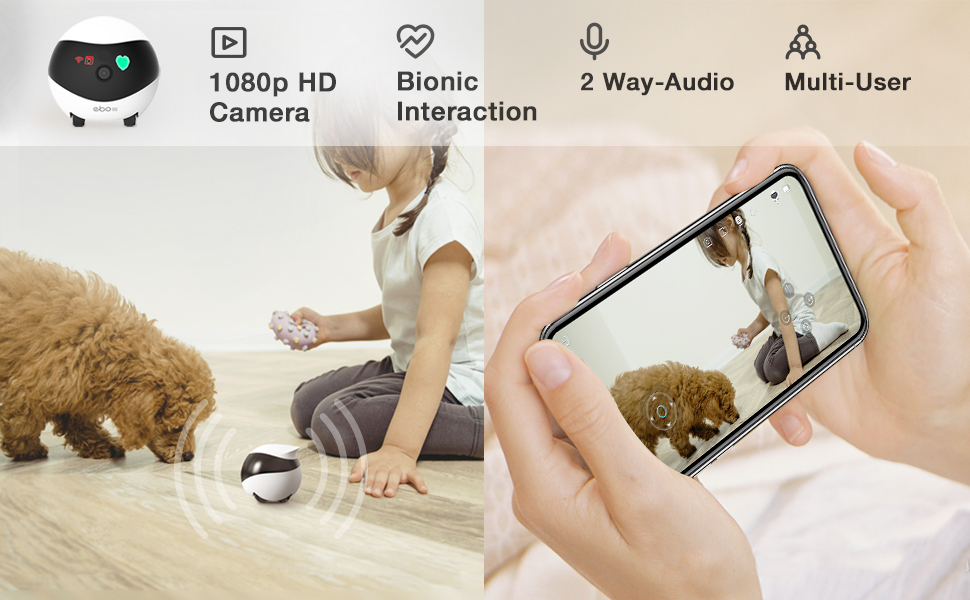
- 1080P Clarity & Night Vision: Check in with clear 1080P views. With enhanced night vision, EBO SE pet camera robot lets you see your pets clearly even in the dark. See what they're up to when you're away from home
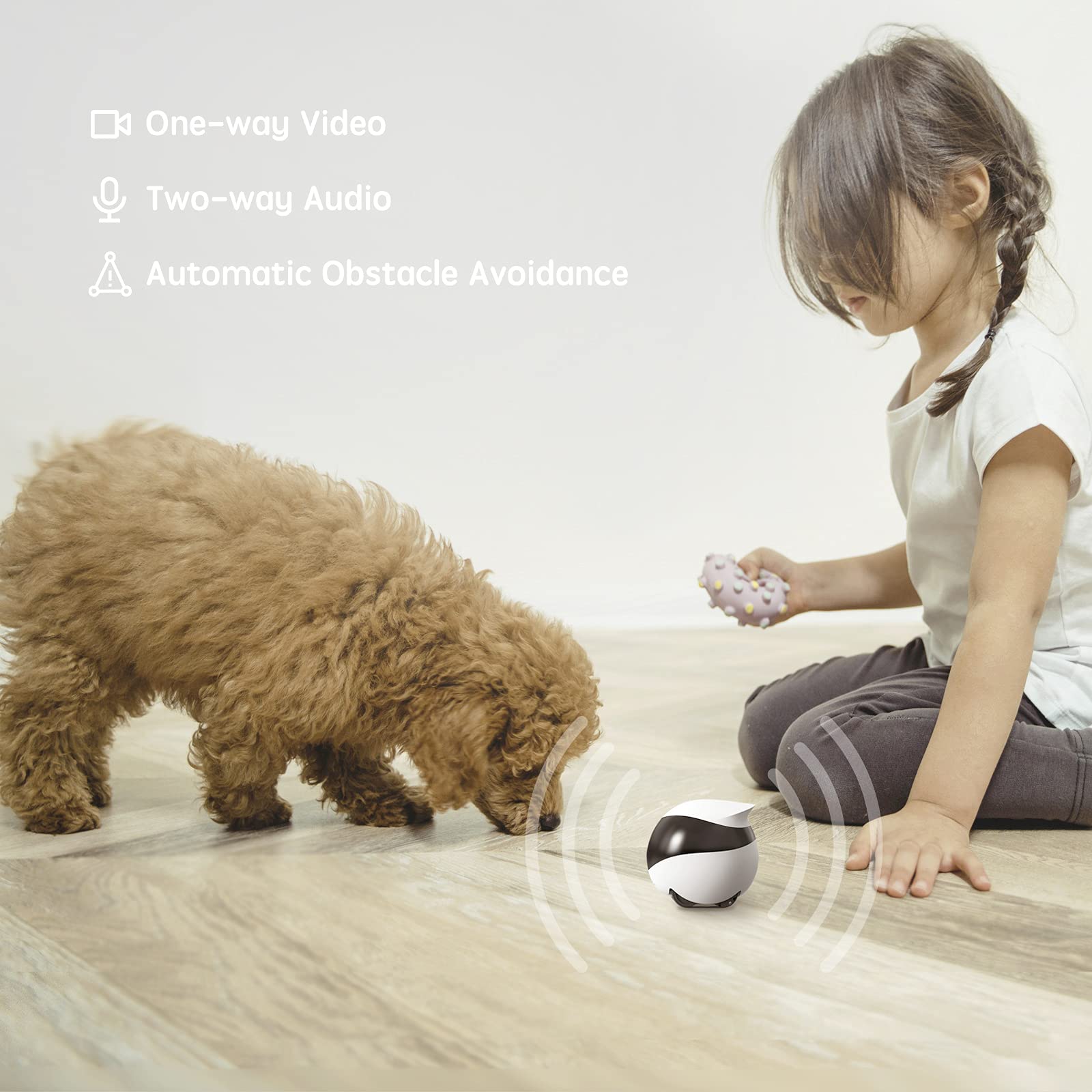
- Stay Connected with Two-Way Audio: Talk to your family or pets in real-time. Whether it鈥檚 a quick "hello" or comforting your pet while you're away, EBO SE鈥檚 built-in audio keeps you just one tap away from the ones you love
- Compact Design, No Hidden Spots: Drive EBO SE home camera robot to navigate under furniture and through tight spaces. Explore your house from a fresh, pet-level angle and see your world from a whole new perspective
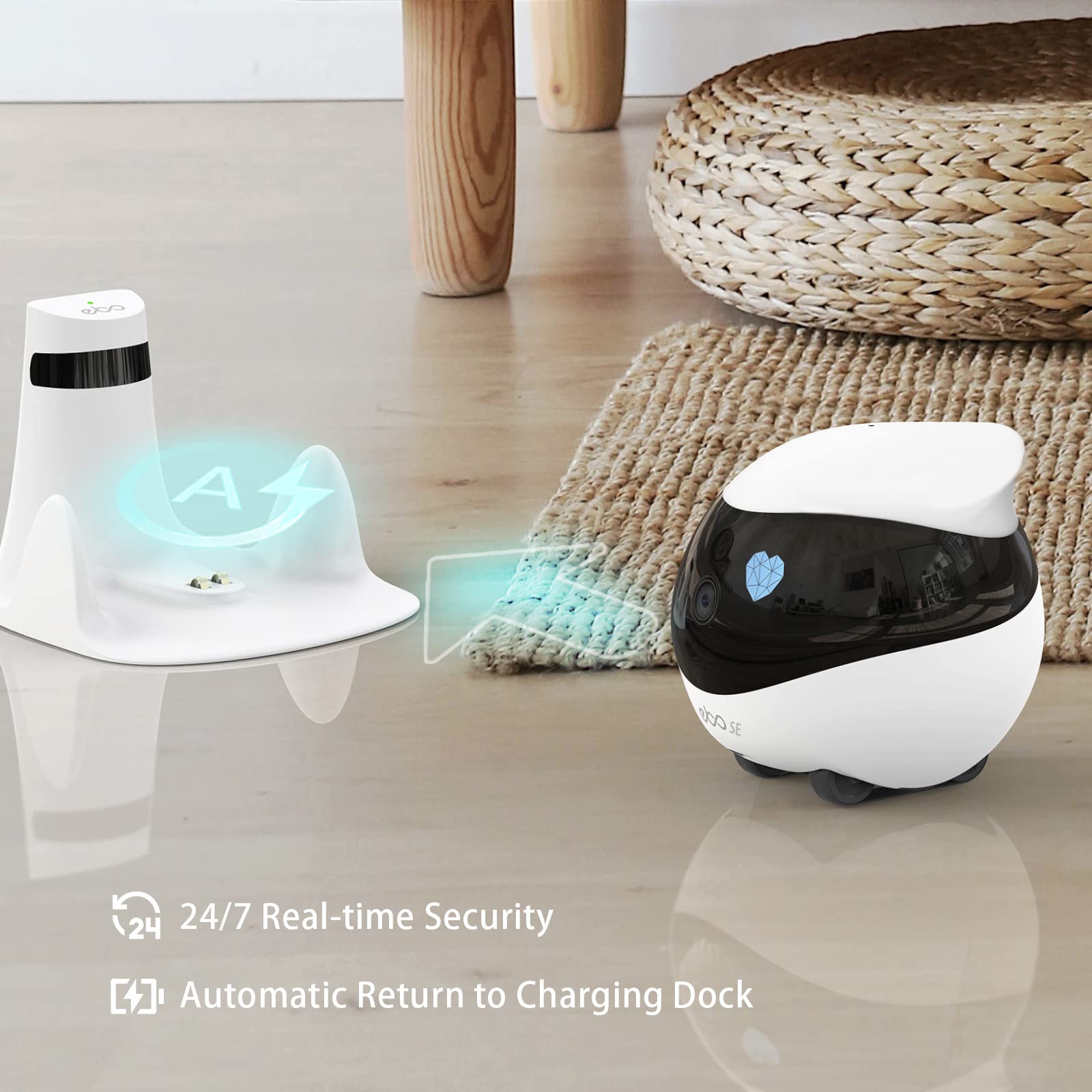
- Auto-Recharge, Always Ready: EBO SE automatically returns to its charging dock when power is low, ensuring your mobile companion stays energized and ready for your next remote visit whenever you need it
- NOTE: Please download the ROLA App to connect with EBO SE (not the EBO Home App). If experiencing disconnection issues, we recommend switching WiFi networks and placing the EBO SE near your router to reset and reconnect
- Optimal Dock Placement: For the best auto-recharge experience, keep the dock area clear. Avoid placing mirrors or reflective objects nearby, as these can interfere with infrared signals
- Quick Tip for Easy Charging: EBO SE uses infrared to find its dock, which may involve some moving around to locate the signal. We recommend driving EBO SE near its dock after each use